Get the perfect
pop of color to
showcase your products

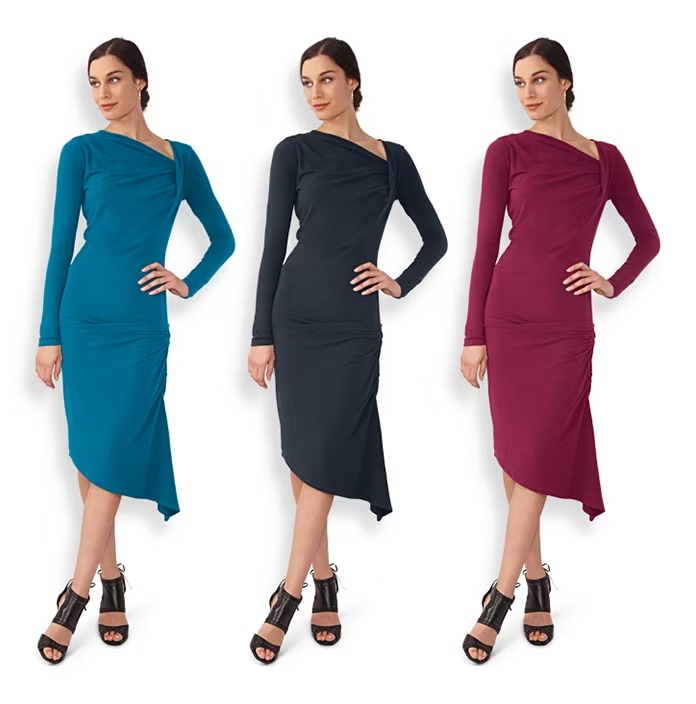
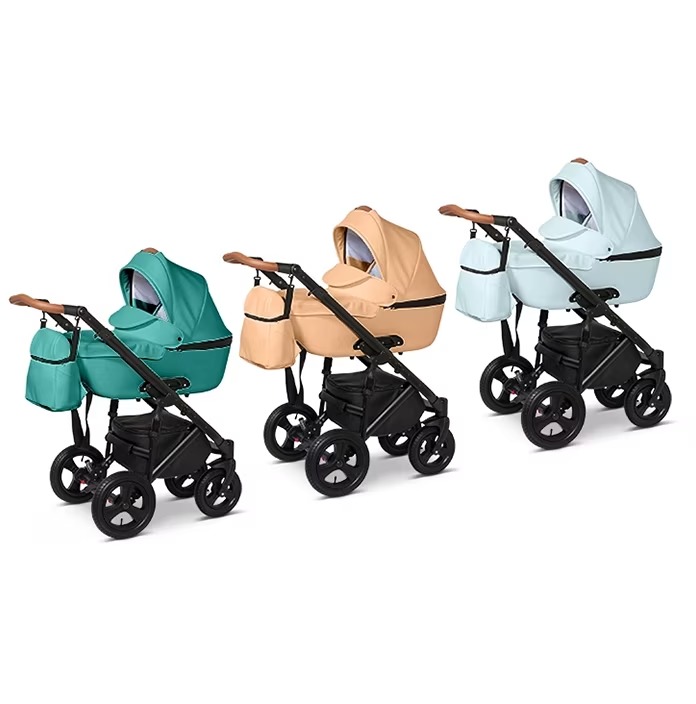
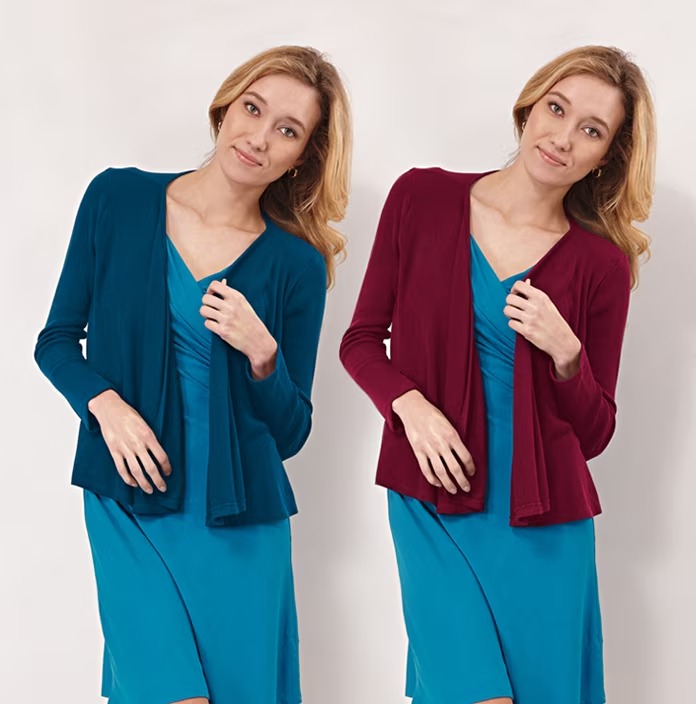
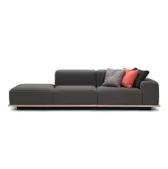
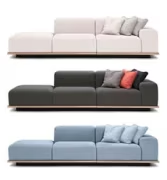
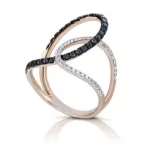
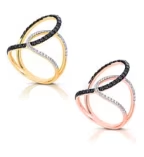
Get true-to-life color in any shade you need — without the expense or delays of additional product shots.

Starting at $0.99 per image

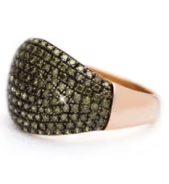
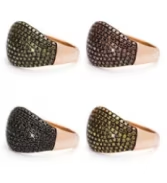
See the spectrum of our recent color change work

Frequently Asked Questions

What are color variants?

Color variants — or color changes — is when you manipulate an image (or part of an image) to make it a different color. There are lots of reasons you might want to change colors in an image. Product color changes are typically used to create the visual effect your clients are going after and make customers buy your product.

How to do color change in images?

We’ve learned a lot about color change and color correction. We’ve edited more than 8.5 million photos, refining our techniques over several years.

When we want to show all of the color variants available for your product, we use one image of the product and one image of each of the colors. This allows us to make sure the product looks exactly the same across all variants, with the only exception being the color.

In many cases, this helps you get an edited image that looks more like the product in real life than a naturally shot frame. The closer you can get to the in-person look of a product, the better — customers expect the products they buy to match what they’ve ordered, so accurate colors mean fewer returns and happier customers.

If you have the time and patience, there are a few ways to do color changes yourself:

  • The Match Color command in Photoshop can help you change colors in one or in multiple images, but this only works in RGB mode.
  • With Color Range mode, you select a color or color range from your original image. This mode can also help retouch subject’s faces, as it automatically detects and selects faces.
  • The Hue/Saturation too can also work for changing colors. Hue/Saturation is good for adjusting colors, but changing colors completely with Hue/Saturation can create unnatural-looking results and takes some skill to be able to use it effectively.
  • For more complex color changes, the Color Balance tool in Photoshop can help you adjust just the highlights, midtones, or shadows of your area.
  • The tool you use will depend on your image — experiment to find what works best for your shot.

When to use color change?

These are some of the best times to use color change services for your photos:

  1. You want to change only the color of the product in the photo, keeping everything else exactly the same — so customers can more easily compare color options
  2. Shooting a natural photo doesn’t accurately capture the real-life color of the product
  3. Different lighting or settings are making your product’s color look different from shot to shot
  4. You’re introducing a new product to an existing product line and you can’t do a new shoot for it
  5. You only have one or a few color samples for the photoshoot and don’t have time or money for a new shoot for when you get those images
  6. You have a long list of SKUs to shoot, and it’s more efficient to take a photo of one color variation for each
  7. Your manufacturer provides limited photos

How much do color change services cost?

When you outsource color change services to Editmeup, you only pay 99¢ per image. Get your edited images back in as little as 6 hours, along with the relief of knowing your product photos are in the right hands.

Explore Clients Review