







Clipping Path

Carefully hand-drawn Clipping Paths For crisp, clean photos​

Put your product on any background. Take tedious, nitty-gritty photo edits off your plate with outsourced clipping path services.

Starting at $0.39 per image

Check out our beautiful clipping path projects

Frequently Asked Questions

What are clipping path services?

Clipping paths are the digital way to cut an item out of a photo. Remember cutting out pictures from magazines? It’s just like that, only digital. (A tip: if you’re cutting out a subject with hair or fur, you probably need image masking — another cutout technique that’s used for more intricate edges.)

Once our clipping path specialists finish the clipping path, everything on the inside of the path is included, and everything outside is removed.

Clipping path is also called:

  • Image clipping
  • Deep etching
  • Photo cut-out
  • Multi-path
  • Multiple clipping paths
  • Closed vector path
  • Closed vector shape

Clipping path allows you to manipulate the background of the subject of your image. You can create white backgrounds for selling products online, or display your subjects in any setting.

How much do clipping path service cost?

Not all clipping paths are alike, so the rates for each project vary. Every image is different, but we follow standard pricing guidelines to make sure your rate is always clear and objective, even if you’re working with a different designer.

Here’s an overview of how we price different clipping path projects:

1. Basic Clipping Paths – $0.39 per image

Clipping path allows you to manipulate the background of the subject of your image. You can create white backgrounds for selling products online, or display your subjects in any setting.

At Path, we outline each image by hand. Automatons and AI can lead to Photoshop fails and unhappy customers. Trained (human) graphic designers have the common sense and keen eye to make sure edited photos look just right.

2. Simple Clipping Paths – $0.69 per image

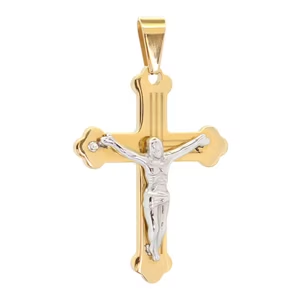
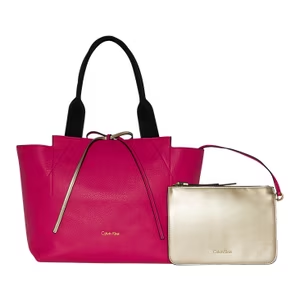
A simple clipping path is slightly more complex, so it takes a bit more time. Simple clipping paths remove objects that have more edges and curves, like a wine bottle or a car. They also work for objects that have a “hole” in them (like the interior of a mug handle or the inside of a ring or necklace).

  • Simple jewellery
  • Vehicles
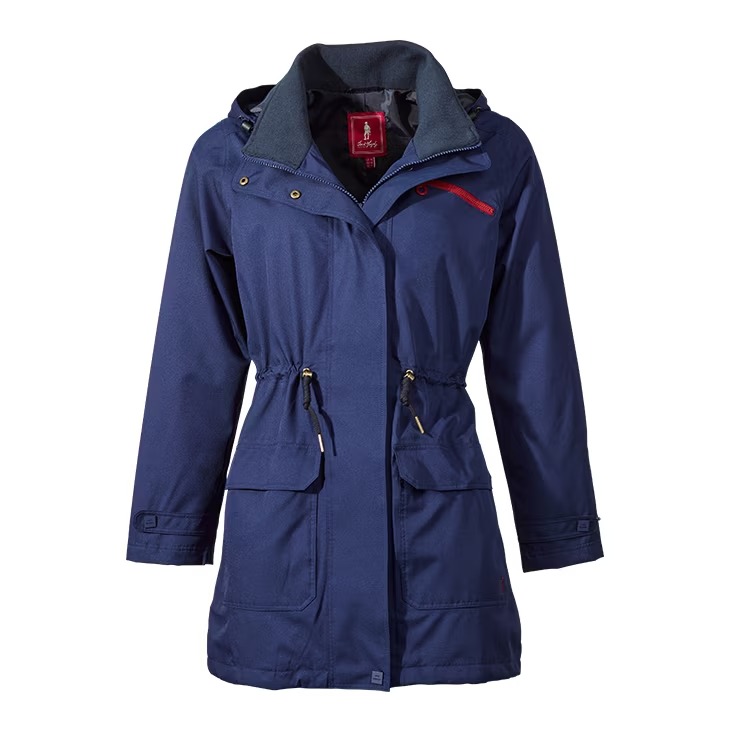
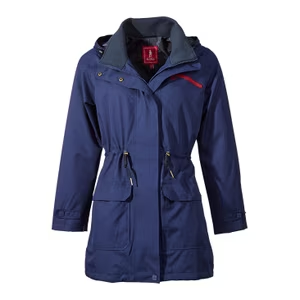
  • A simple item of clothing
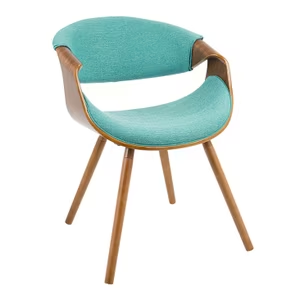
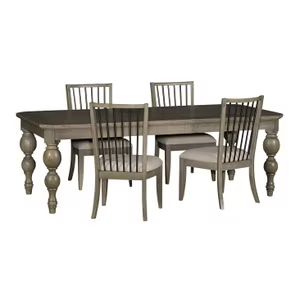
  • Single furniture items
  • Other standalone products

3. Medium Clipping Paths – $1.29 per image

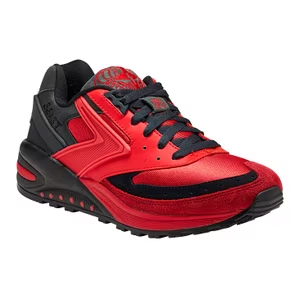
A medium clipping path is used for objects with complicated edges. These are typically complex enough that several paths are created and then merged together to get the final result.

  • A grouping of simple items
  • Shoes
  • Items of clothing with more complex shapes and curves

4. Complex Clipping Paths – $2.99 per image

A complex clipping path is applied to objects with very complicated edges, multiple holes, and possibly multiple objects or varied levels of transparency. These types of clipping paths are incredibly time-consuming and call for more advanced skills.

  • A grouping of simple items
  • Shoes
  • Items of clothing with more complex shapes and curves

5. More complex clipping paths – $6.49 per image

This category includes complex clipping paths with additional paths carefully crafted within the product itself.

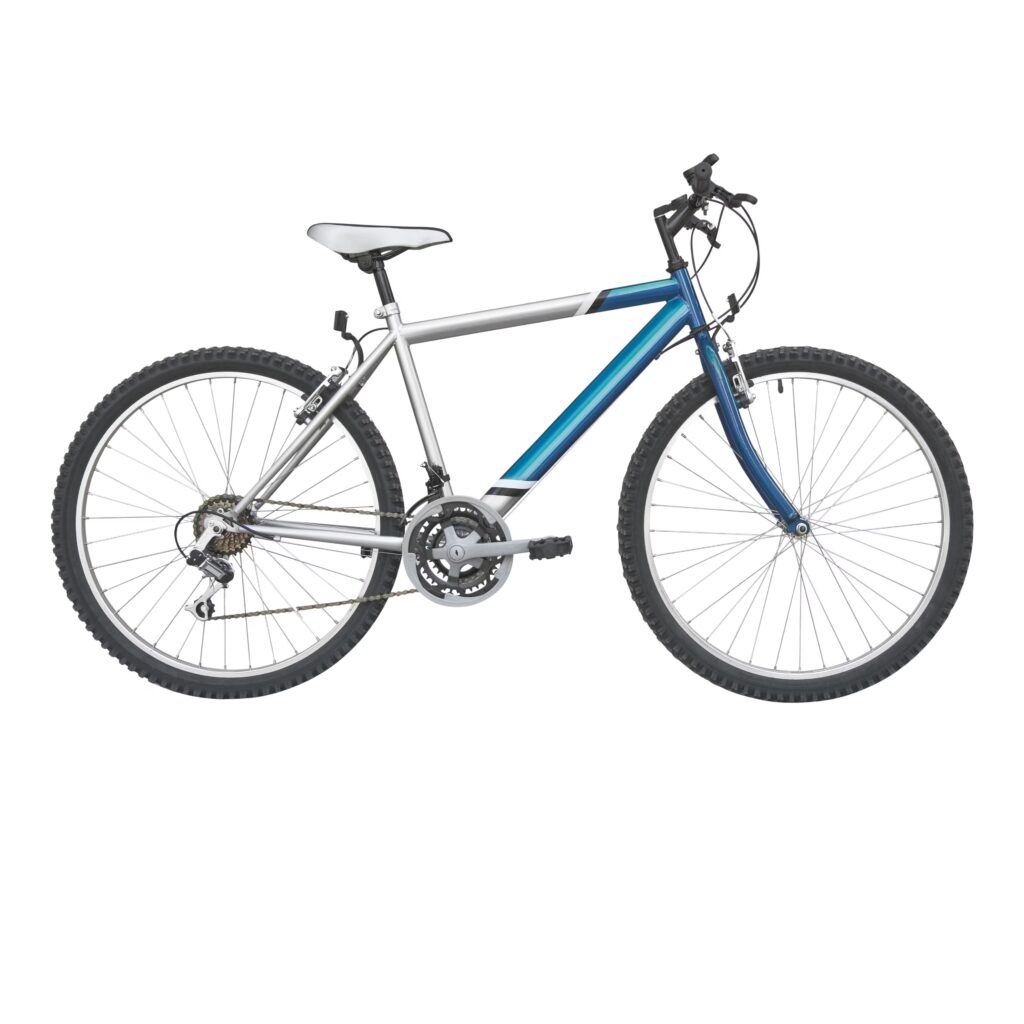
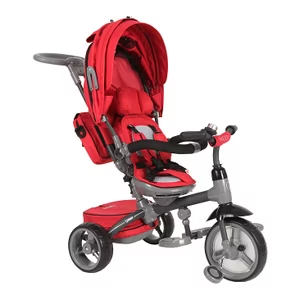
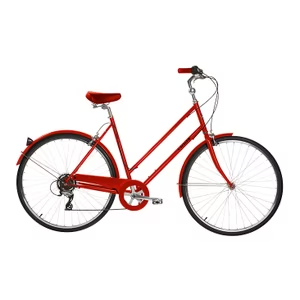
  • Bicycles
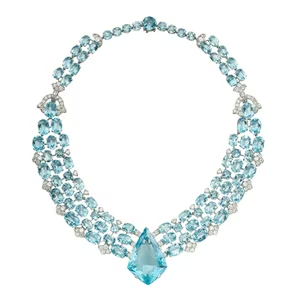
  • Intricate jewelry
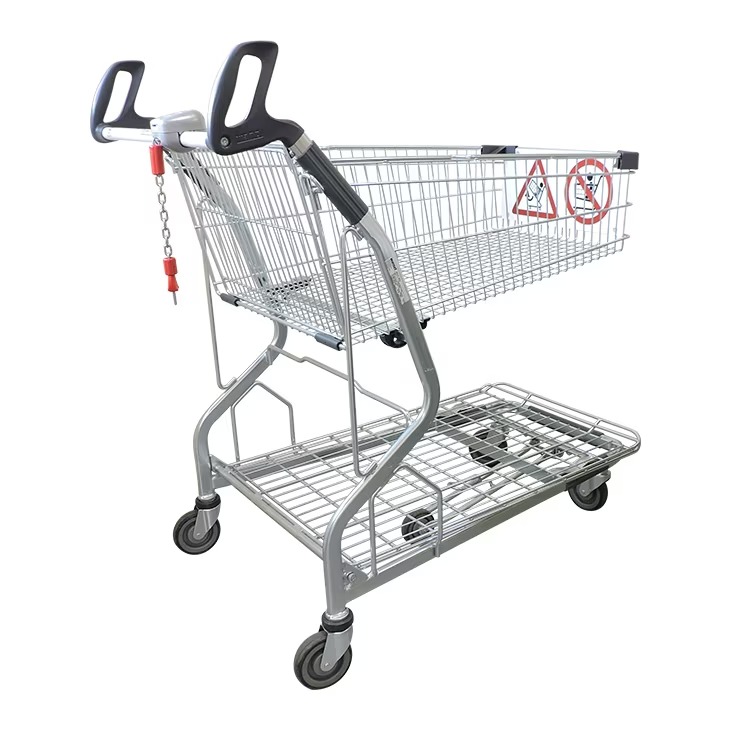
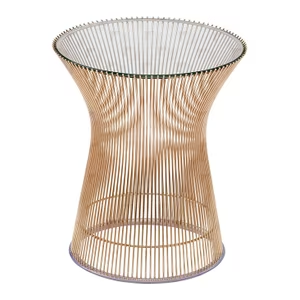
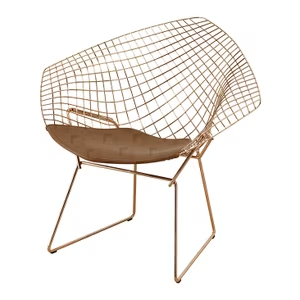
  • Wire furniture
  • Groupings of products that
  • need color changes in
  • specific areas

6. Super complex clipping paths – $10.99 per image

Sometimes, an object requires so many individual clipping paths that a complex or multiple clipping path just isn’t enough. Super complex clipping paths involve three to four different techniques.

This level of detail is necessary for tough product images where nothing else will look natural. In some cases, we need to use super complex, complex, and multiple clipping paths in conjunction with image masking to get to the perfect finished product.

  • Furniture with multiple cut-outs
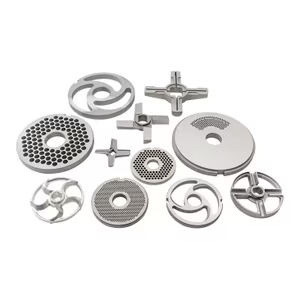
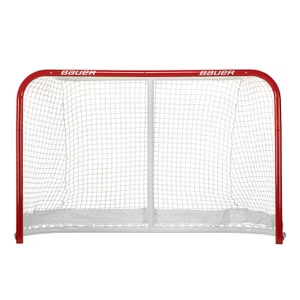
  • Objects with netting or mesh
  • Jewelry with complex interlinking pieces or chains
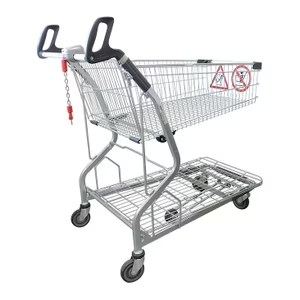
  • Crates
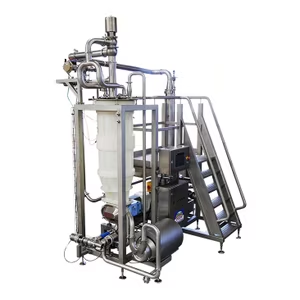
  • Complex machinery

Explore Clients Review